A model guide for the GPT‑6 family
Practical tips for getting the best results from GPT‑6 models while managing time and cost
GPT‑6 is our most advanced suite of models yet, and offers you a choice of models for different kinds of work.GPT‑6 是我们迄今为止最先进的模型套件,为您提供多种模型选择,以满足不同类型的工作需求。
Whether you’re turning an idea into a working prototype, building and testing a feature, or orchestrating multi-step workflows across code repositories, databases, and external APIs, this guide explains how to choose a GPT‑6 model, give it effective instructions, manage long-running work, and prepare for production.无论您是将创意转化为工作原型、构建并测试功能,还是跨代码库、数据库和外部 API 编排多步骤工作流程,本指南都将为您介绍如何选择 GPT‑6 模型、提供有效的指令、管理长期运行的工作,以及为生产环境做好准备。
GPT-6Astra
Our most intelligent model for the best results.
- input
- $10.00
- output
- $50.00
- cached input
- $1.00
GPT-6.1Sol
Near-Astra intelligence for a fifth of the price.
- input
- $2.00
- output
- $10.00
- cached input
- $0.10
GPT-6Luna
Fast and efficient everyday work at scale.
- input
- $0.10
- output
- $0.50
- cached input
- $0.01
Run effectively in production. Use caching(opens in a new window) and compaction(opens in a new window) to manage context and cost. Measure task success and latency, and plan for monitoring and data controls.在生产环境中高效运行。利用缓存(在新窗口中打开)和压缩(在新窗口中打开)来管理上下文和成本。衡量任务成功率和延迟,并规划监控与数据控制。
Match the model to your workload. Balance capability, cost, and latency by choosing the model, reasoning effort(opens in a new window), and speed that fit the task.将模型与您的工作负载相匹配。通过选择适合任务的模型、推理力度(在新窗口中打开)和速度,来平衡能力、成本和延迟。
Adjust your prompts and skills. Keep prompts, skills, and repository instructions consistent about what the model should deliver, what it can do independently, and what counts as done.调整您的提示词和技能。在模型应交付的内容、其可独立完成的工作以及何为“完成”的标准方面,保持提示词、技能和存储库指令的一致性。
Keep long-running work on track. Use steering(opens in a new window), async tools(opens in a new window), and delegation(opens in a new window) to handle updates and independent work. Set clear boundaries for when the model should ask for input.确保长期工作顺利进行。使用引导(在新窗口中打开)、异步工具(在新窗口中打开)和委派(在新窗口中打开)来处理更新和独立工作。为模型何时应寻求输入设定明确的界限。
Before deploying, there are several checks and best practices you’ll want to put into place.在部署之前,您需要落实几项检查和最佳实践。
Keep efficiency in mind. Cut context the task doesn’t need(opens in a new window) while keeping the evidence it does. Where your application supports it, run independent tasks together(opens in a new window) so one slow step doesn’t hold up unrelated work.时刻关注效率。去除任务不需要的上下文(在新窗口中打开),同时保留必要的证据。在您的应用程序支持的情况下,将独立任务合并运行(在新窗口中打开),以免一个缓慢的步骤拖慢不相关的工作。
Reuse shared context through prompt caching(opens in a new window) for recurring work. Cached input tokens cost up to 95% less(opens in a new window) than uncached input tokens, depending on the model. Put stable instructions and reference material before changing task details, and keep tool definitions consistent. The caching dashboard(opens in a new window) and diagnostics guide(opens in a new window) help you see where that reuse breaks down. Include cache writes and any long-context rates when estimating the cost of a complete workflow.对于重复性工作,通过提示词缓存(在新窗口中打开)复用共享上下文。根据所选模型的不同,缓存的输入 Token 成本比未缓存的输入 Token 低 95%(在新窗口中打开)。将稳定的指令和参考资料置于变动的任务详情之前,并保持工具定义的一致性。缓存仪表板(在新窗口中打开)和诊断指南(在新窗口中打开)可帮助您查看复用失效的位置。在估算完整工作流程的成本时,请包含缓存写入费用及任何长上下文费率。
For longer conversations, compaction(opens in a new window) reduces context size while preserving the state needed to continue.对于较长的对话,压缩(在新窗口中打开)可以在保持继续工作所需状态的同时减小上下文规模。
Decide how you’ll monitor behavior(opens in a new window) and review the data controls(opens in a new window) for your application.确定您将如何监控行为(在新窗口中打开),并审查应用程序的数据控制(在新窗口中打开)设置。
Test before deploying: Run representative tasks and measure task success, latency, and cost per successful task. Check out our API deployment checklist(opens in a new window).部署前进行测试:运行代表性任务并衡量任务成功率、延迟以及每个成功任务的成本。请查看我们的 API 部署清单(在新窗口中打开)。
Think of the model choice and reasoning level as an intelligence/ price tradeoff.将模型选择和推理水平视为智能与价格之间的权衡。
Model:模型:
GPT‑6 Astra(opens in a new window) for the hardest reasoning work where maximum intelligence is needed.GPT‑6 Astra(在新窗口中打开),适用于需要最高智能的最艰巨推理工作。
GPT‑6.1 Sol(opens in a new window) for complex coding, research, and computer use.GPT‑6.1 Sol(在新窗口中打开),适用于复杂的编码、研究和计算机使用任务。
GPT‑6 Luna(opens in a new window) for focused tasks at scale and everyday, repeated work with a clear goal, such as extracting invoice fields, classifying requests, or producing structured summaries.GPT‑6 Luna(在新窗口中打开),适用于大规模的专注型任务以及目标明确的日常重复性工作,例如提取发票字段、分类请求或生成结构化摘要。
When evaluating the best model for the task, compare pricing(opens in a new window) for each model.在评估最适合该任务的模型时,请比较各模型的定价(在新窗口中打开)。
Reasoning level: In the API, choose how much effort the model spends on the task.推理水平:在 API 中,选择模型在任务上投入的努力程度。
Low: Routine tasks, such as extracting facts or making small edits.低:常规任务,例如提取事实或进行小幅修改。
Medium: Work requiring judgment, such as planning a feature or comparing options.中:需要判断力的工作,例如规划功能或比较方案。
High: Difficult debugging, deeper analysis, or careful review.高:困难的调试、深入的分析或仔细的审查。
Extra high / Max: Test where supported when High falls short, and keep only if the improvement justifies the added time and cost.超高/最大:在“高”级别无法满足需求时进行测试,且仅在改进效果证明了额外的时间和成本投入时才保留该设置。
In the API, you can change reasoning effort mid-conversation(opens in a new window) without breaking cache.在 API 中,您可以在对话进行中更改推理力度(在新窗口中打开),而不会破坏缓存。
In Codex, start with the default reasoning level for that model, then lower it for simpler tasks or increase it for deeper analysis.在 Codex 中,从该模型的默认推理水平开始,然后根据简单任务调低,或根据深入分析调高。
Speed:速度:
In the API, use Fast mode(opens in a new window) when response time matters, such as in chat apps or coding tools. It provides faster, more consistent response times at a higher per-token cost than Standard processing.在 API 中,当响应时间很重要时(例如在聊天应用或编码工具中),请使用快速模式(Fast mode,在新窗口中打开)。与标准处理相比,它提供更快、更一致的响应时间,但每个 Token 的成本更高。
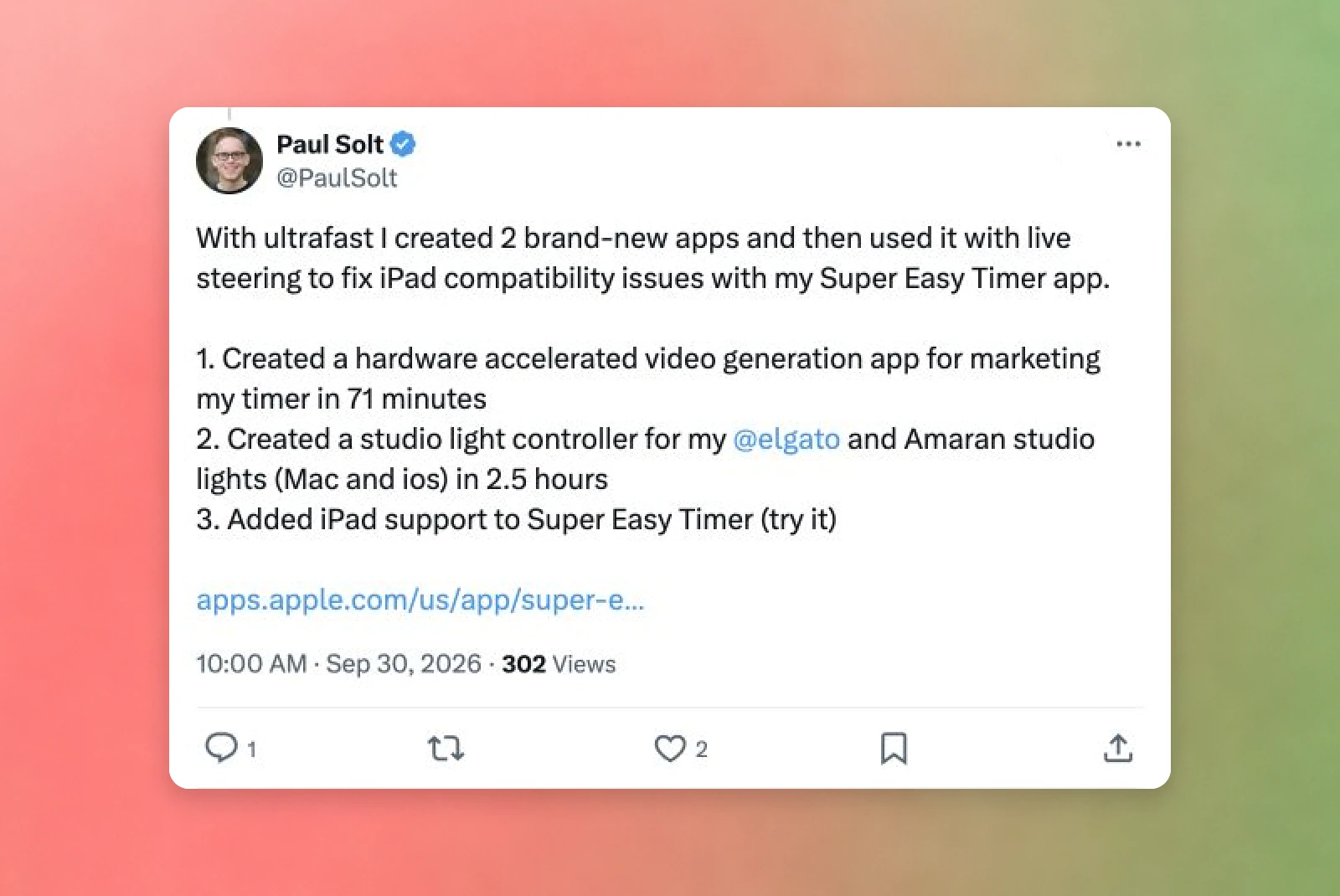
In Codex and the API, use Ultrafast(opens in a new window) when faster responses are worth the premium, such as rapid coding iterations. It speeds up token generation independently of reasoning effort. Available for GPT‑6 Astra(opens in a new window).在 Codex 和 API 中,当更快的响应值得支付额外费用时(例如快速编码迭代),请使用超快模式(Ultrafast,在新窗口中打开)。它独立于推理力度来加速 Token 生成。适用于 GPT‑6 Astra(在新窗口中打开)。
“Models have gotten much better at understanding nuance and ambiguity, so overly specific guidance can now hinder results where it previously helped.”(opens in a new window)“模型在理解细微差别和歧义方面已经有了很大进步,因此过度具体的指导现在反而可能阻碍结果,而在过去它曾有所帮助。”(在新窗口中打开)
—Eric Provencher, Developer Experience at OpenAI— Eric Provencher,OpenAI 开发者体验团队
Start with a clear assignment: the result you want, who it’s for, the relevant context and constraints, and what counts as done. Then review these four areas, summarized from Rethinking skills and prompts for GPT‑6 Astra(opens in a new window), for a deeper dive into updating your instructions:从明确的任务开始:您想要的结果、目标受众、相关的上下文和约束条件,以及何为“完成”的标准。然后回顾以下四个方面(摘自《重新思考 GPT‑6 Astra 的技能和提示词》(在新窗口中打开)),以深入了解如何更新您的指令:
Create better skills: Keep descriptions short and explicit about when each skill should run, load supporting details only when needed, and replace rigid recipes with guidance suited to the models your team uses.创建更好的技能:保持描述简短且明确,说明每项技能应在何时运行;仅在需要时加载辅助细节;用适合您团队所用模型的指导方针取代僵化的配方。
Update your AGENTS.md: Explain when particular documents and tests are relevant, and explicitly authorize safe routine workflows, such as running local tests with disposable data and no production access.更新您的 AGENTS.md:说明特定文档和测试何时相关,并明确授权安全的常规工作流程,例如使用一次性数据运行本地测试且不访问生产环境。
Set decision boundaries: State which actions can proceed independently and which require approval, replacing blanket “always ask” rules with clear boundaries.设定决策边界:说明哪些操作可以独立进行,哪些需要批准,用明确的边界取代笼统的“始终询问”规则。
Be prescriptive about persistence: Define what “done” includes—implementing the change, running it, inspecting the result, and fixing failures—and identify any decisions that require your review.对持久化保持明确要求:定义“完成”包含的内容——实现变更、运行测试、检查结果并修复故障——并确定任何需要您审查的决策。
For additional guidance, see reasoning best practices(opens in a new window).如需更多指导,请参阅推理最佳实践(在新窗口中打开)。
Whether you’re working in Codex or building with the API, specify which decisions the model can make, when it should ask for input, and what a useful response looks like.无论您是在 Codex 中工作还是使用 API 构建,都要明确模型可以做出哪些决策、何时应该寻求输入,以及有用的响应是什么样的。
Give the model enough direction to keep work moving without guessing at decisions that matter. Tell it which choices it can make and when to ask for your input(opens in a new window), for example, it can choose how to organize a summary, but should check with you before changing the project’s scope. Describe what a useful response looks like(opens in a new window), for example plain language, technical detail suited to your audience, and a short handoff covering what changed, what was checked, and what still needs attention.给予模型足够的指导以保持工作进展,而无需猜测重要的决策。告诉它哪些选择可以自己做,何时应该寻求您的输入(在新窗口中打开);例如,它可以选择如何组织摘要,但在更改项目范围前应与您核对。描述有用的响应是什么样的(在新窗口中打开);例如使用通俗易懂的语言、适合受众的技术细节,以及包含已变更内容、已检查内容和仍需关注内容的简短交接说明。
With the GPT‑6 family of models, you can now take on tasks that span hours or days. Use the following features to better manage agents on long-running tasks.借助 GPT‑6 模型系列,您现在可以承担跨越数小时或数天的工作任务。使用以下功能可以更好地管理长期运行任务中的智能体。
In the API, use steering, asynchronous tools, and parallel work to keep long-running tasks moving.在 API 中,使用引导、异步工具和并行工作来保持长期任务的进展。
Update instructions during a run: Mid-turn steering(opens in a new window) lets you send a correction through the Responses WebSocket API(opens in a new window) while the model works. Updates are queued; they don’t cancel running tools or undo completed actions.在运行期间更新指令:中间轮次引导(Mid-turn steering,在新窗口中打开)允许您在模型工作时通过 Responses WebSocket API(在新窗口中打开)发送修正。更新会被排队处理;它们不会取消正在运行的工具或撤销已完成的操作。
Keep working while a tool runs: Asynchronous tool calling(opens in a new window) lets the model continue independent work while your app runs a slower task, such as tests. Your app returns the result when it’s ready. Wait for that result before starting work that depends on it.在工具运行时继续工作:异步工具调用(Asynchronous tool calling,在新窗口中打开)允许模型在您的应用程序运行较慢的任务(如测试)时继续独立工作。您的应用程序在结果准备好时返回结果。在开始依赖该结果的工作之前,请等待其返回。
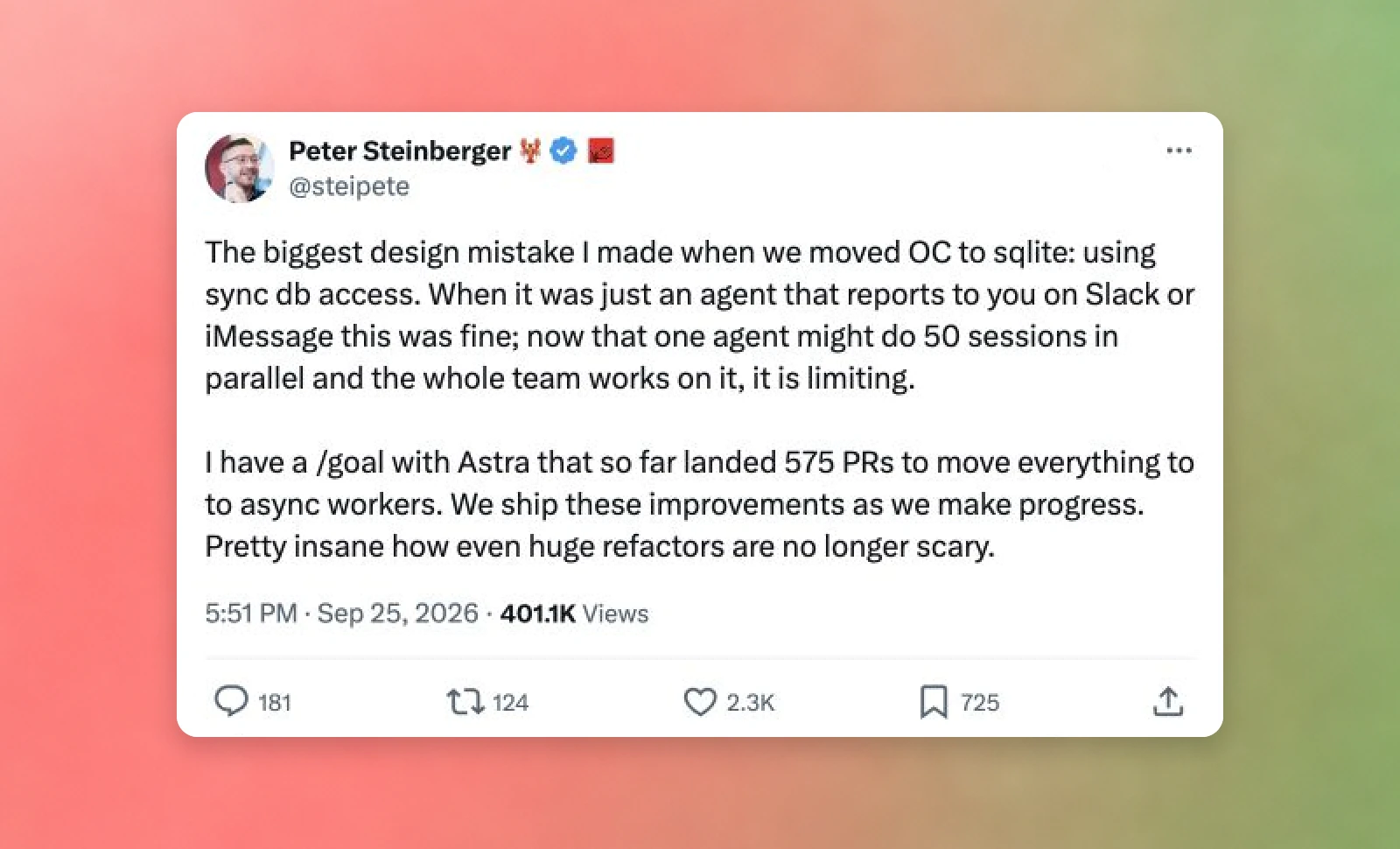
Delegate independent subtasks: GPT‑6.1 Sol supports multi-agent workflows in the Responses API(opens in a new window). It can assign independent work to subagents (such as investigating different parts of a codebase) and combine their findings into a final response. Multi-agent is currently in beta.委派独立子任务:GPT‑6.1 Sol 支持 Responses API 中的多智能体工作流程(在新窗口中打开)。它可以将独立工作分配给子智能体(例如调查代码库的不同部分),并将它们的发现合并为最终响应。多智能体功能目前处于测试阶段。
Long-running tasks can uncover decisions you wouldn’t necessarily anticipate in the initial prompt. Use clarification and steering to keep the work on course.长期运行的任务可能会揭示您在初始提示词中未曾预料到的决策。使用澄清和引导来保持工作方向正确。
Answer questions as work progresses: With GPT‑6 Astra, Codex can ask for clarification while it works(opens in a new window). Resolve questions that affect the next step, and specify which independent work can continue while you decide. If you’ll be away, tell Codex which tasks can continue and when it should pause for your answer.随着工作进展回答问题:借助 GPT‑6 Astra,Codex 可以在工作时寻求澄清(在新窗口中打开)。解决影响下一步的问题,并指定在您做决定时哪些独立工作可以继续进行。如果您要离开,请告诉 Codex 哪些任务可以继续,以及何时应暂停等待您的回答。
Redirect work when requirements change: Steer the active task(opens in a new window) with new information, explaining what should change and what should stay the same. This helps avoid spending more time on an approach that no longer meets your needs.当需求变更时重定向工作:用新信息引导活动任务(在新窗口中打开),解释哪些应该改变,哪些应该保持不变。这有助于避免在不再满足您需求的方案上浪费更多时间。
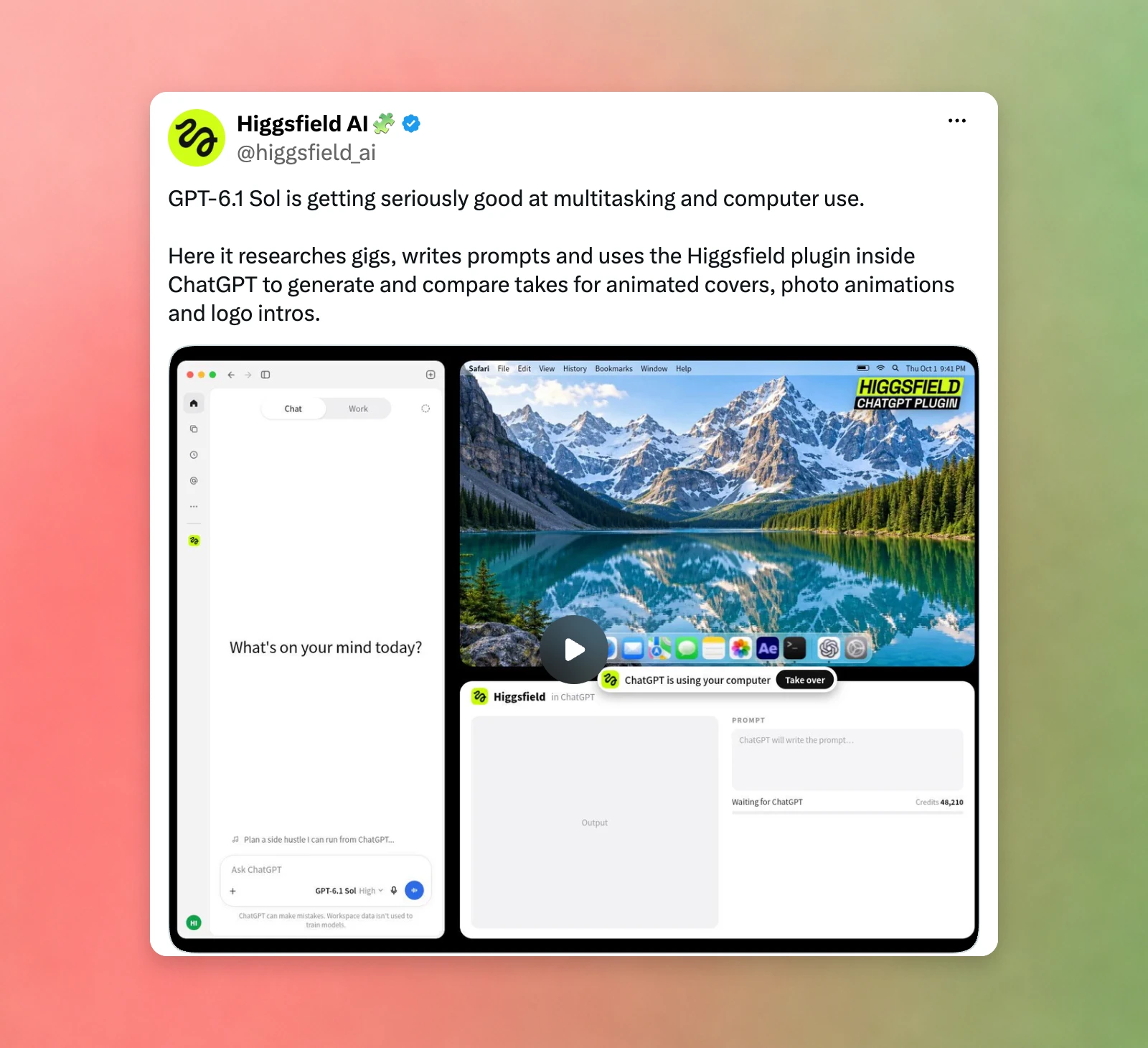
Computer use(opens in a new window) lets GPT‑6 Astra, GPT‑6.1 Sol, and GPT‑6 Luna interact directly with websites and desktop apps, even applications without an API. For example, you can ask the model to investigate a bug, fix the code, and open your product in a browser to check that the fix works.计算机使用(Computer use,在新窗口中打开)功能让 GPT‑6 Astra、GPT‑6.1 Sol 和 GPT‑6 Luna 能够直接与网站和桌面应用交互,即使是那些没有 API 的应用程序。例如,您可以要求模型调查错误、修复代码,并打开浏览器查看产品以检查修复是否有效。
Choose the simplest reliable way to do each step:为每个步骤选择最简单可靠的方法:
Use an API or connected tool when it can do the job directly.当 API 或连接的工具可以直接完成工作时,请使用它们。
Use computer use when the model needs to read a screen, click buttons, or fill in a form for you.当模型需要为您读取屏幕、点击按钮或填写表单时,请使用计算机使用功能。
If you’re building computer use into your own app, give the model a tool that can run code to control a browser or desktop. Playwright works with browsers(opens in a new window); PyAutoGUI works with desktop apps.如果您正在将计算机使用功能构建到自己的应用程序中,请为模型提供一个可以运行代码以控制浏览器或桌面的工具。Playwright 适用于浏览器(在新窗口中打开);PyAutoGUI 适用于桌面应用。
- Harvey
- Cognition
- Hex
- Invideo